
How to use the interval timer
Time your HIIT, Tabata, or other interval workout with cues for when to work and rest.
Set up your timer
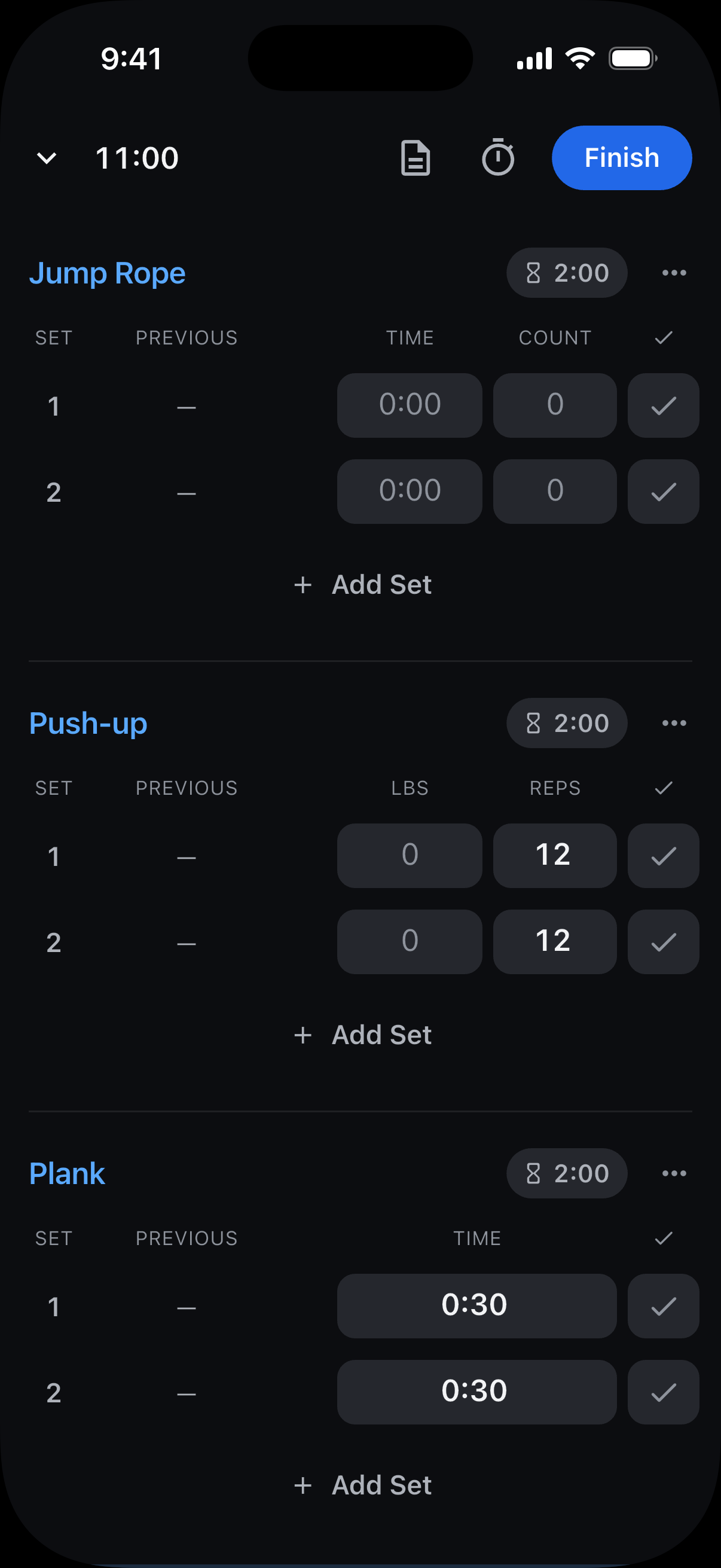
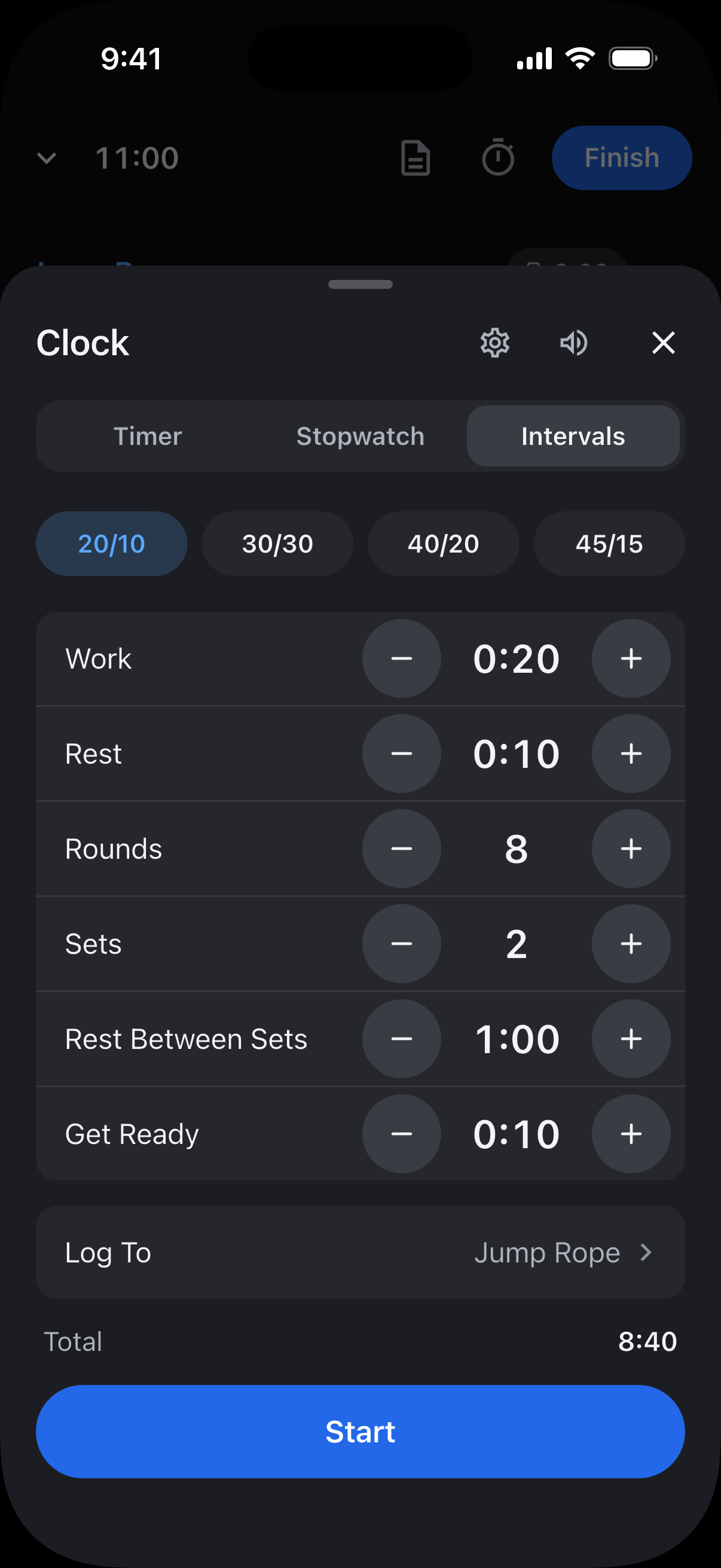
During a workout, tap the stopwatch icon, then Intervals.
Choose your Work and Rest times, or use a preset.
Choose the Rounds per set and the number of Sets.
Adjust Rest Between Sets and the Get Ready countdown if needed.
Choose a timed exercise from your workout under Log To, or None to skip logging.
Tap Start.
Pause, skip, or stop
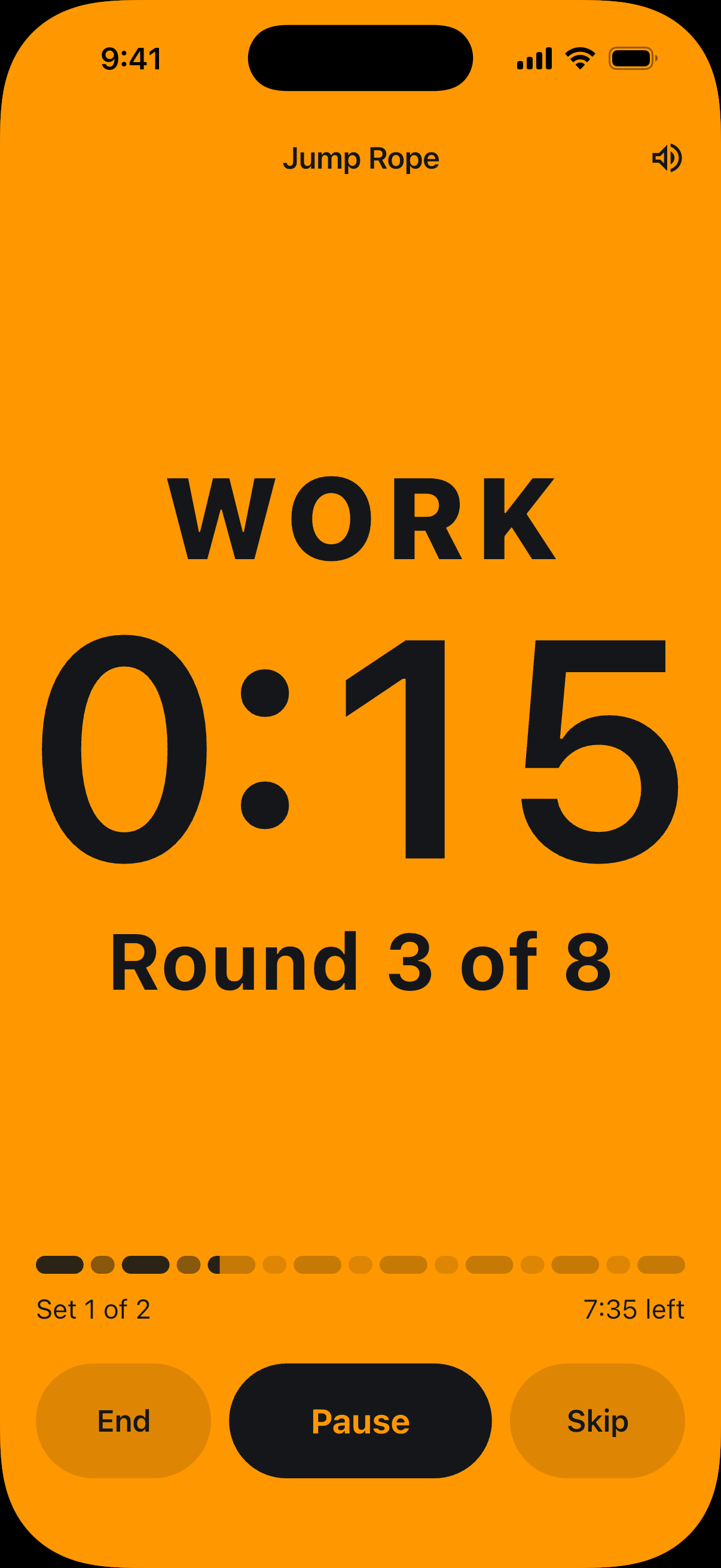
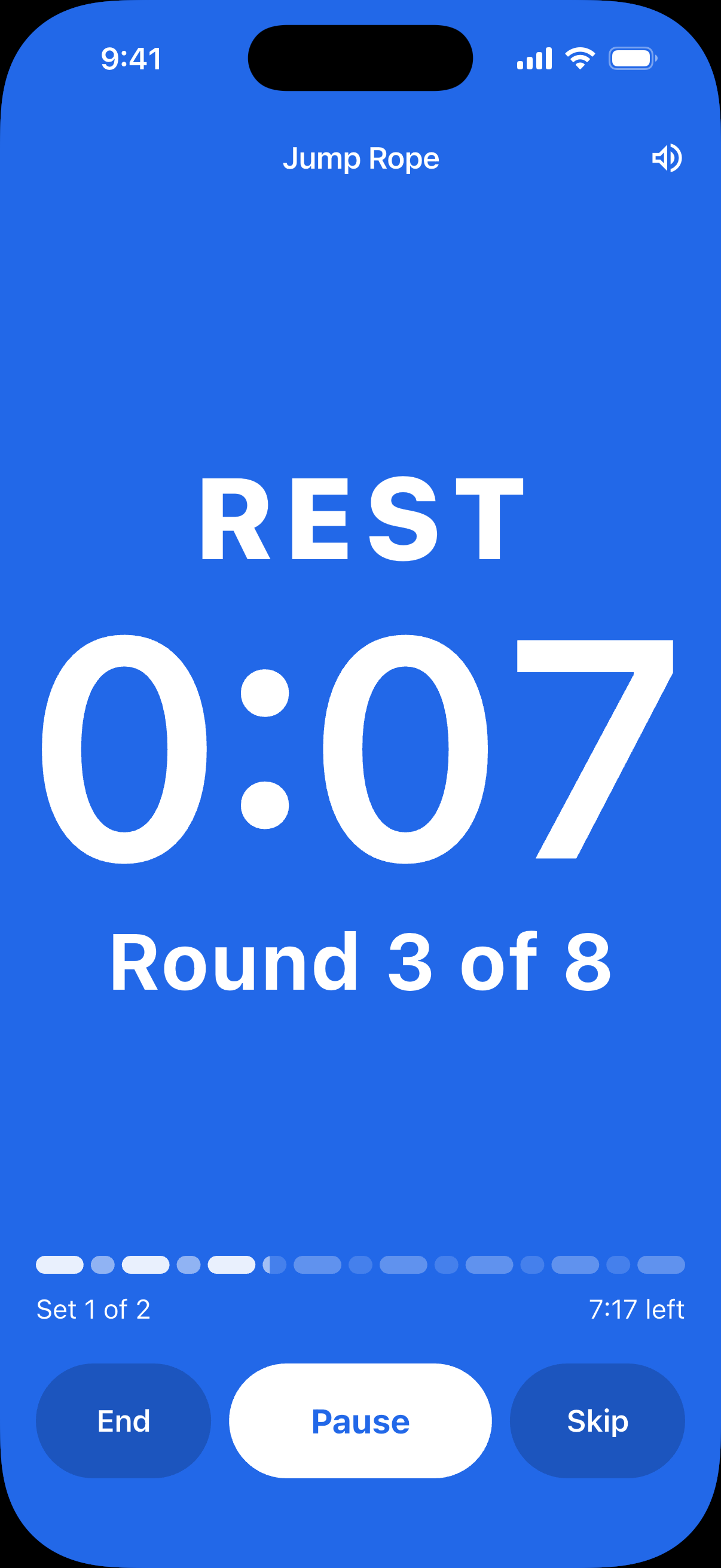
Use Pause and Resume to take a break, or Skip to move to the next interval. To stop early, tap End and confirm. You won’t be able to resume.
Log your work time
If you choose to log to an exercise, Reps logs your completed work time, grouped by timer set. Reps leaves out rest and any work interval you skip or end early.
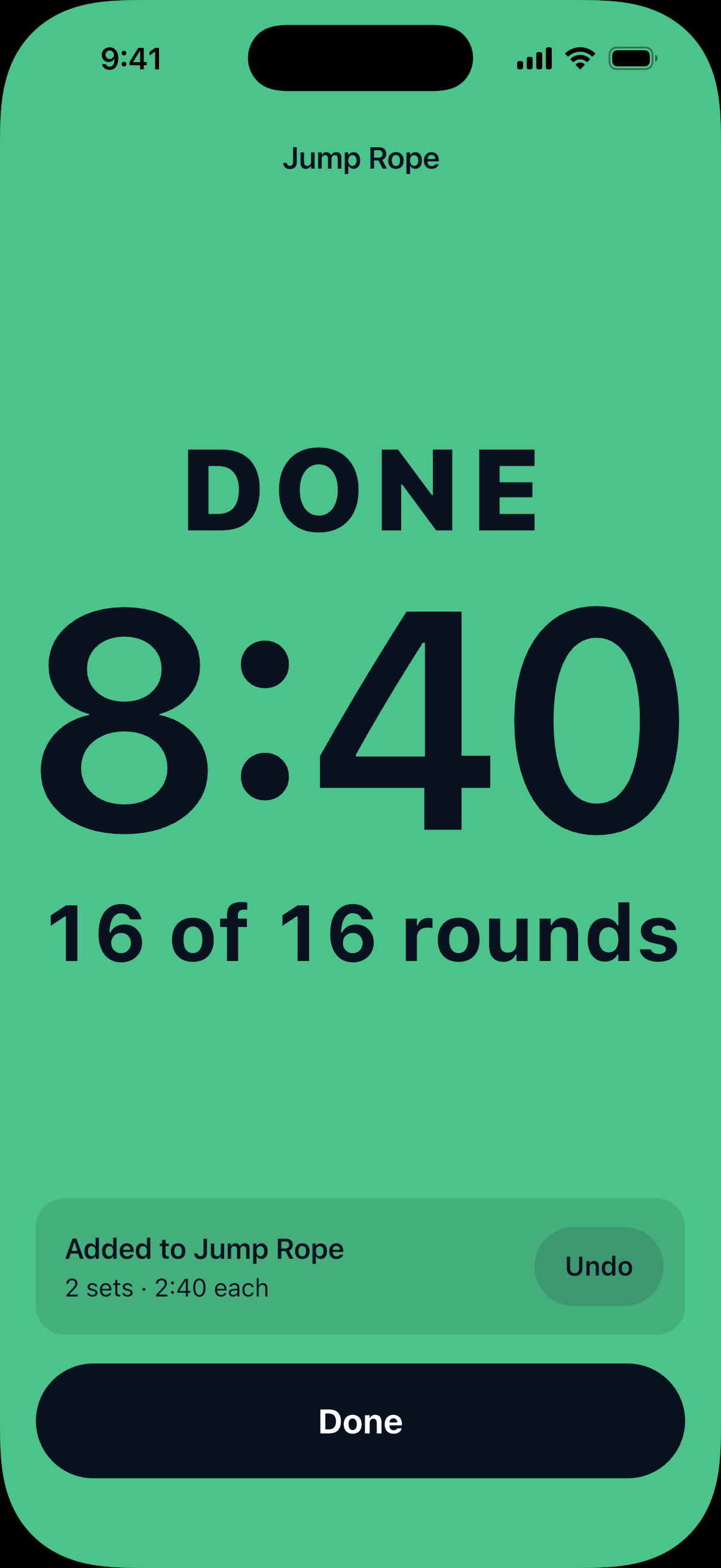
For example, with 2 sets of 8 rounds and 20 seconds of work per round, Reps logs 2 sets of 2:40.
Tap Undo on the results screen to remove the logged time. Tap Done to return to your workout.
Choose sounds and vibration
Before starting, tap the gear beside the speaker to choose your sounds, countdown beeps, and vibration. Timer Volume changes the volume for all timers.
Tap the speaker to mute or unmute sounds. Muting does not turn off vibration.
On iPhone, leave Notifications on in the timer settings, allow Reps notifications, and turn off Silent mode to hear cues with the screen off. Reopen Reps if a notification asks you to keep alerts going.
Still need help? Email support@trackreps.com.