View progress for an exercise
Compare your past sessions to see how your performance changes over time.
View your charts
Start with an exercise you’ve recorded in a finished workout.
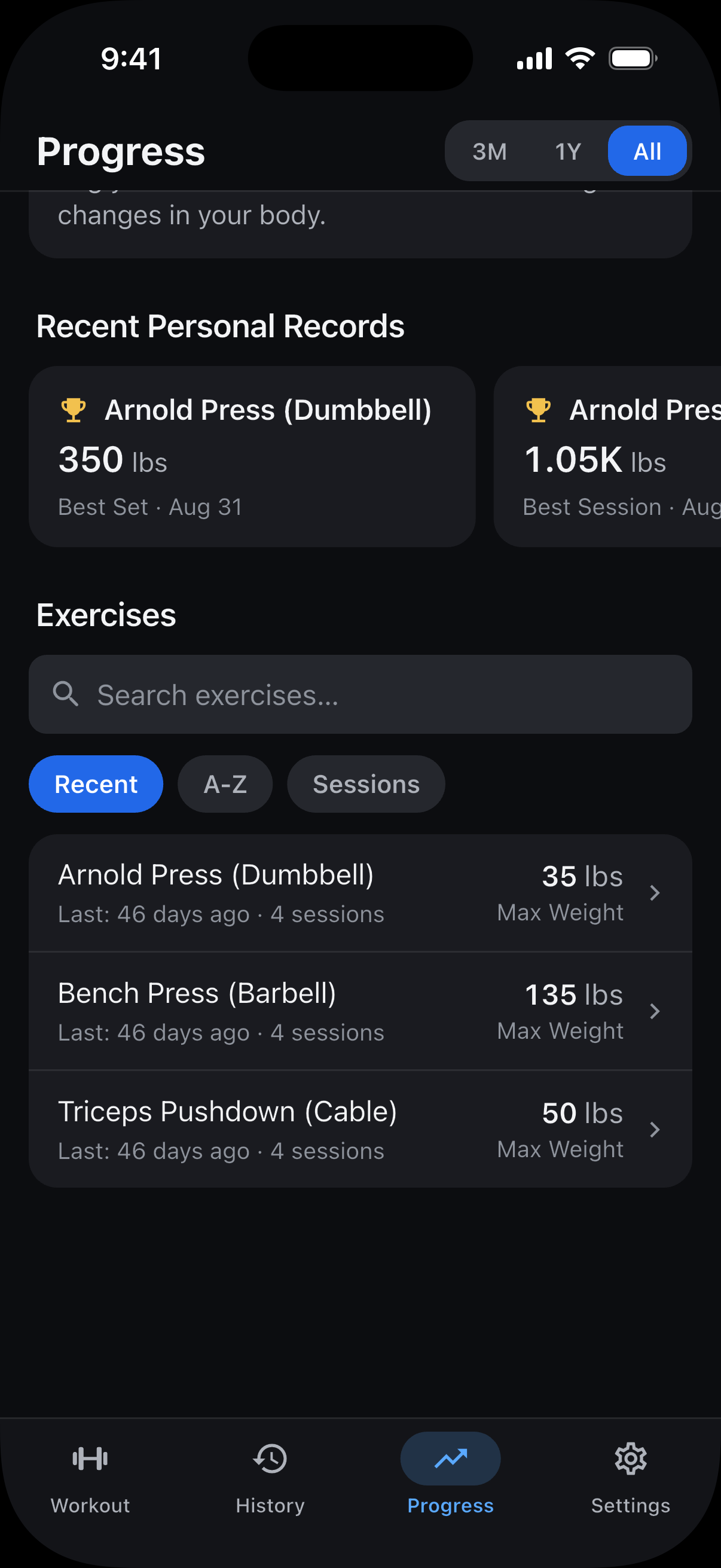
Open Progress and scroll to Exercises.
Find the exercise or use Search exercises, then tap its name.
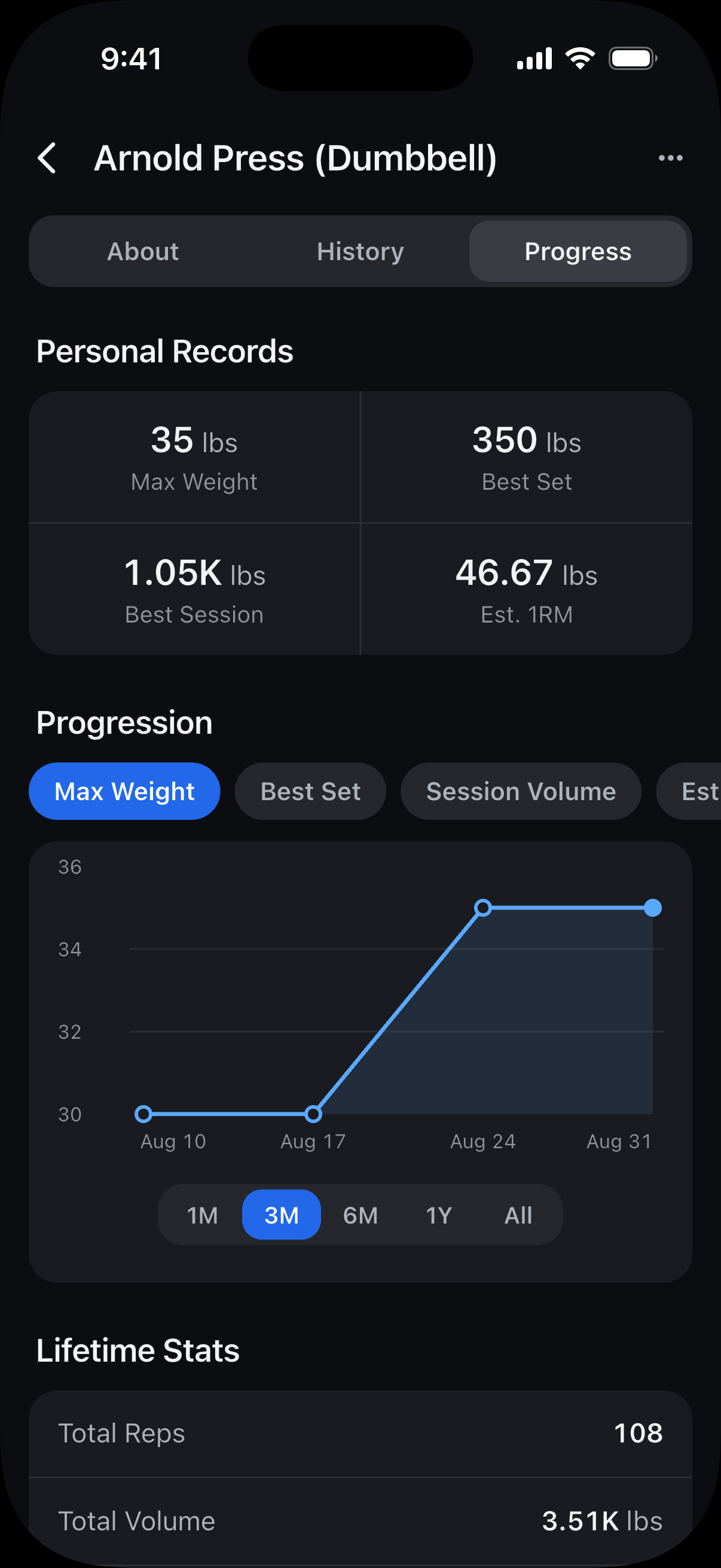
Under Progression, choose what to compare. For example, Max Weight shows your heaviest weight, while Session Volume compares the total weight × reps across your sets.
Choose a time range below the chart. Select 3M for the past three months or All for your full history.
Note: Sets with no reps, or timed sets with no time recorded, stay in your history but don’t count toward progress or personal records.
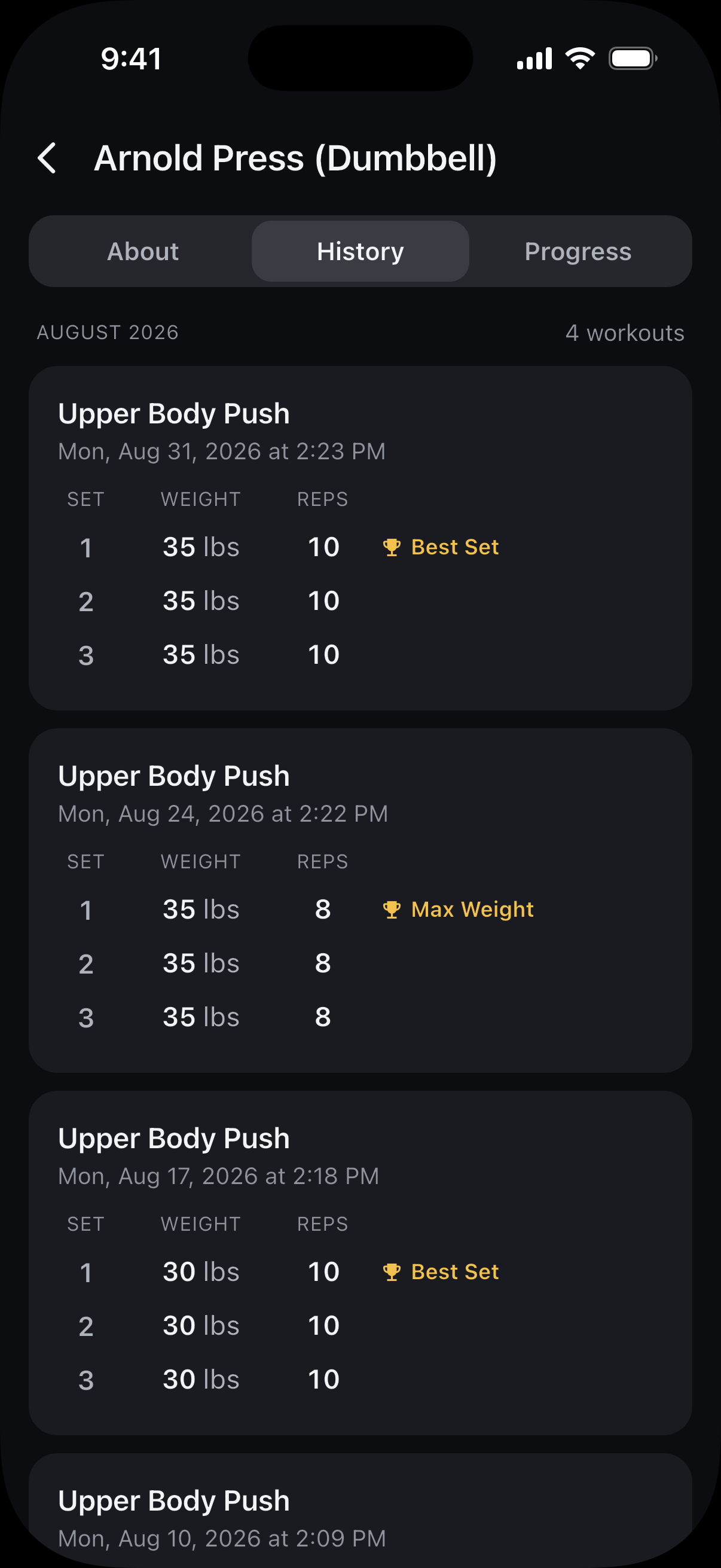
Review your past sets
- From Progress: Tap History on the exercise’s page. The chart’s time range doesn’t filter this list.
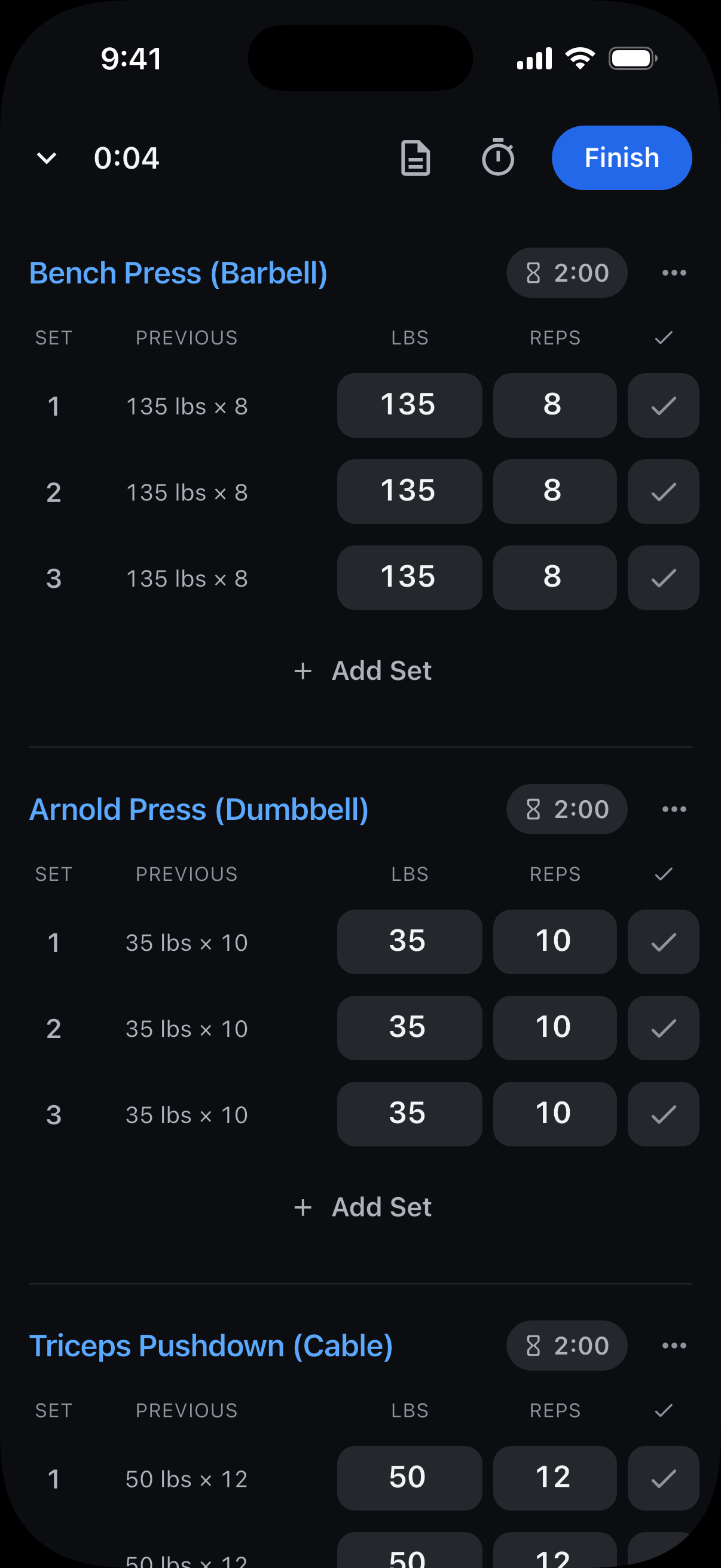
- During a workout: Tap the exercise’s name to open its history. Use Back to return to logging.
Your saved sessions appear newest first, with the sets you recorded in each workout. Tap a workout card to open the full workout.
Still need help? Email support@trackreps.com.